RoboHive – Making Industrial Robotics Intuitive
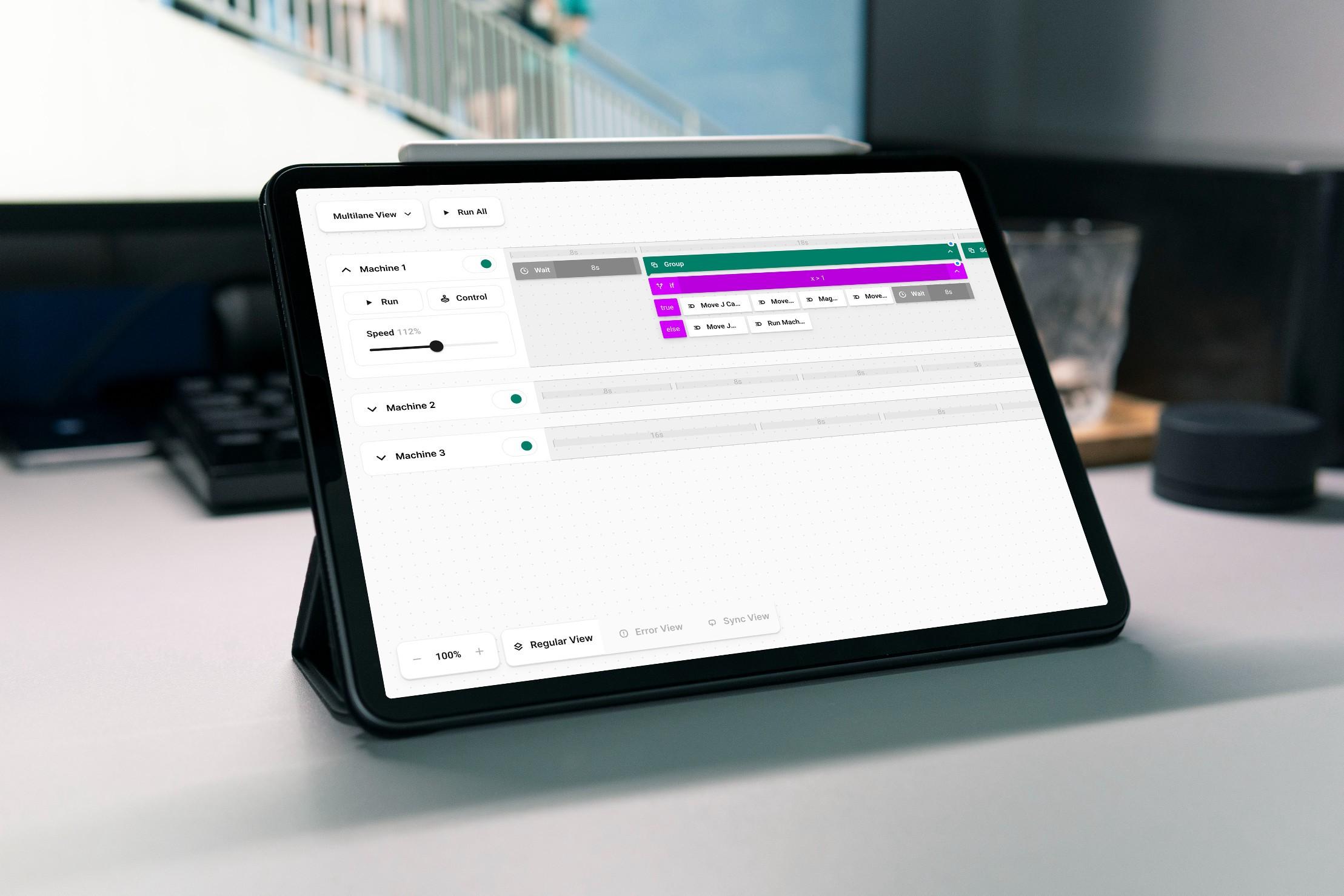
At Interaktionswerk, I led the design of RoboHive UI for Leverage Robotics—a next-generation interface for programming robotic workflows. In close collaboration with the client’s engineering team, I was responsible for strategy, design direction, and execution. The goal: transform a highly technical, code-heavy process into a system that feels intuitive—even to those without programming experience.
- Client
- Deliverables
- Duration
- Role
The Challenge
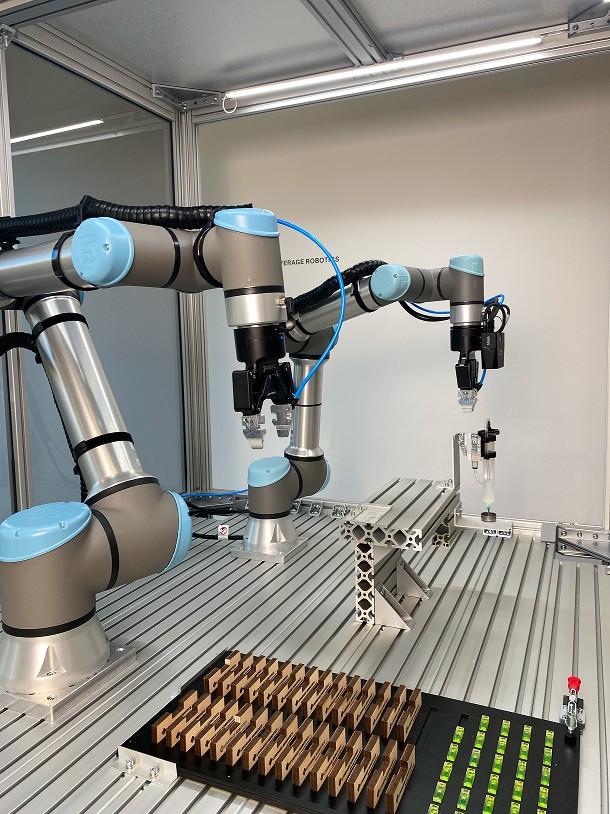
Most robotics software is built for experts—complex, rigid, and hard to scale. Leverage Robotics wanted to lower that barrier, making automation accessible without losing the precision required in industrial settings. The challenge was to strike a balance between power and simplicity: could we build a programming tool that was both technically robust and visually approachable?
Research & Strategy
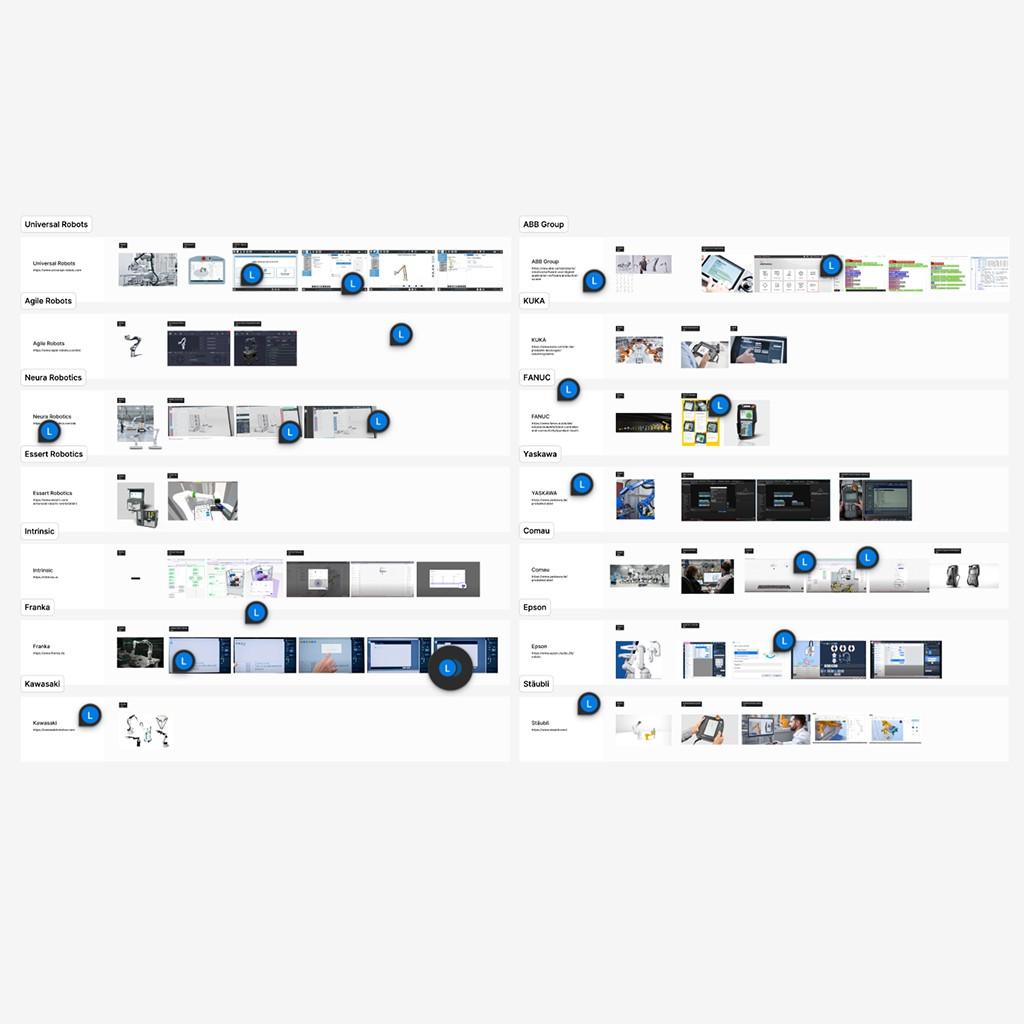
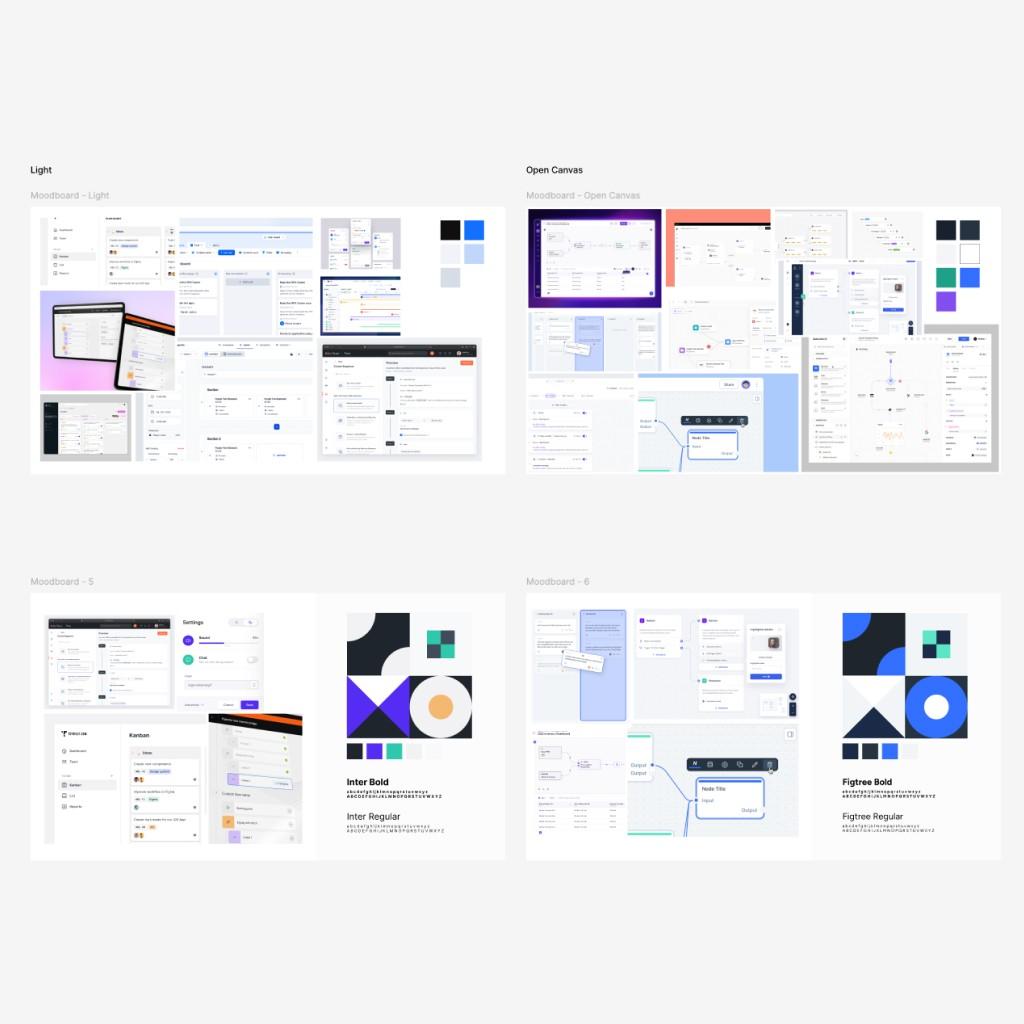
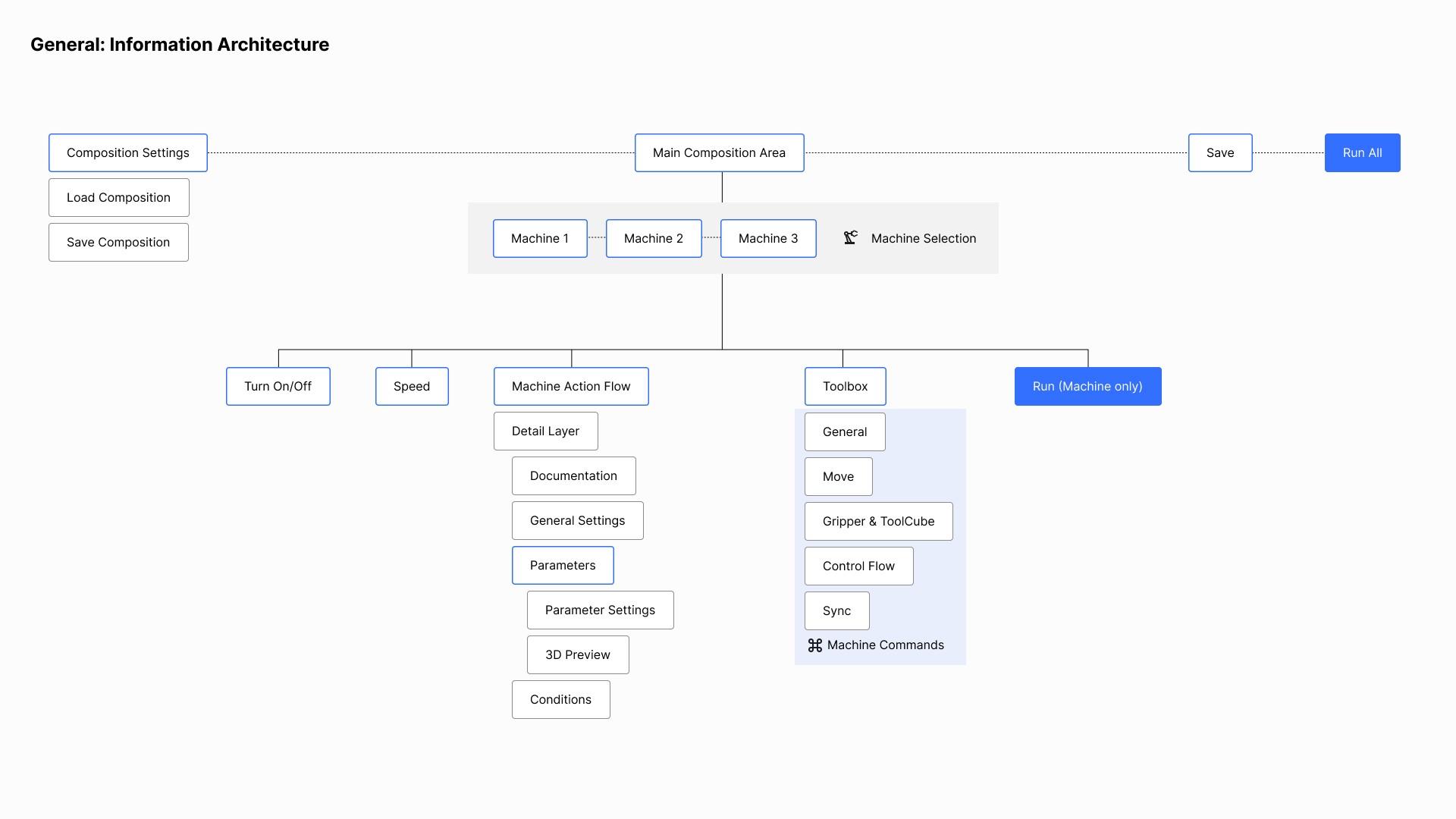
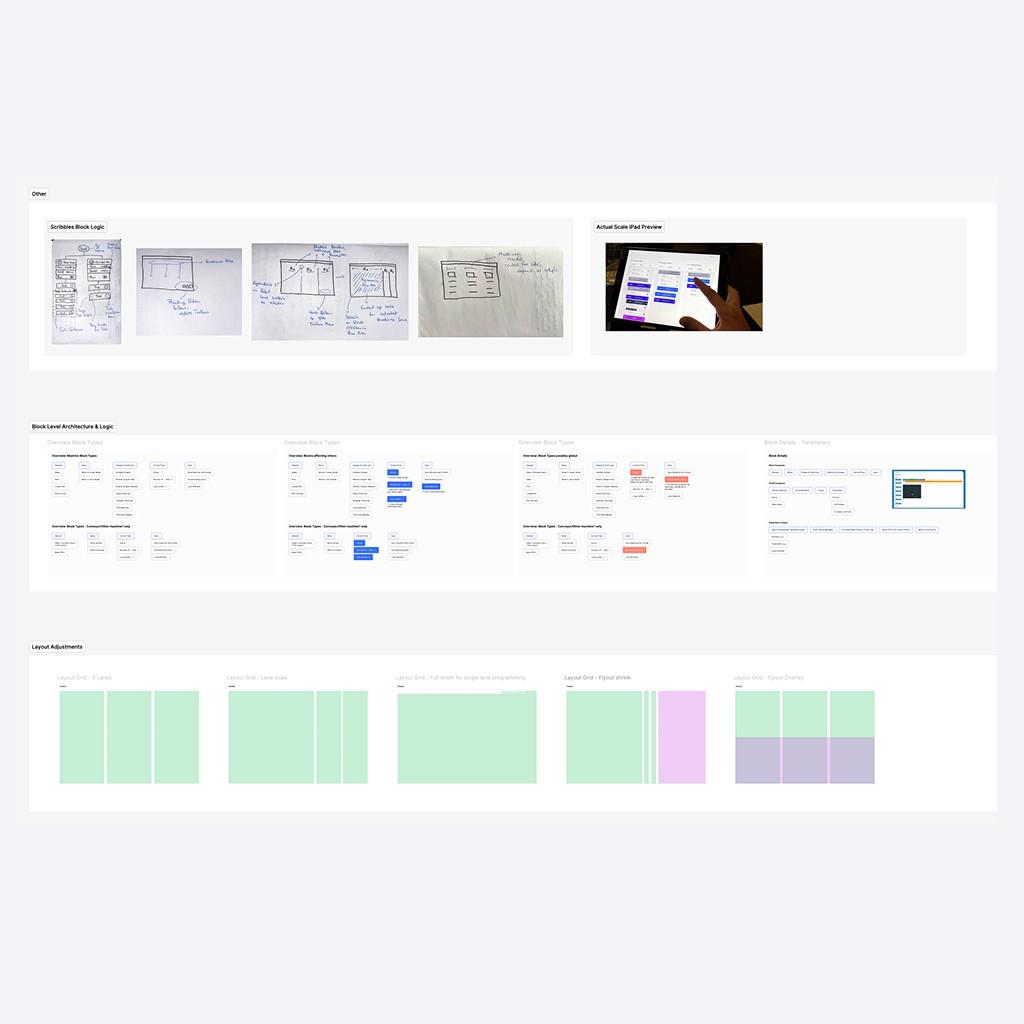
I kicked off the project with a deep dive into existing solutions, competitor audits, and internal interviews with roboticists. This early research revealed key friction points: lack of workflow visibility, poor modularity, and limited interaction logic. Based on those insights, I defined a new interaction model built around clarity, feedback, and control.
A Visual Approach to Programming
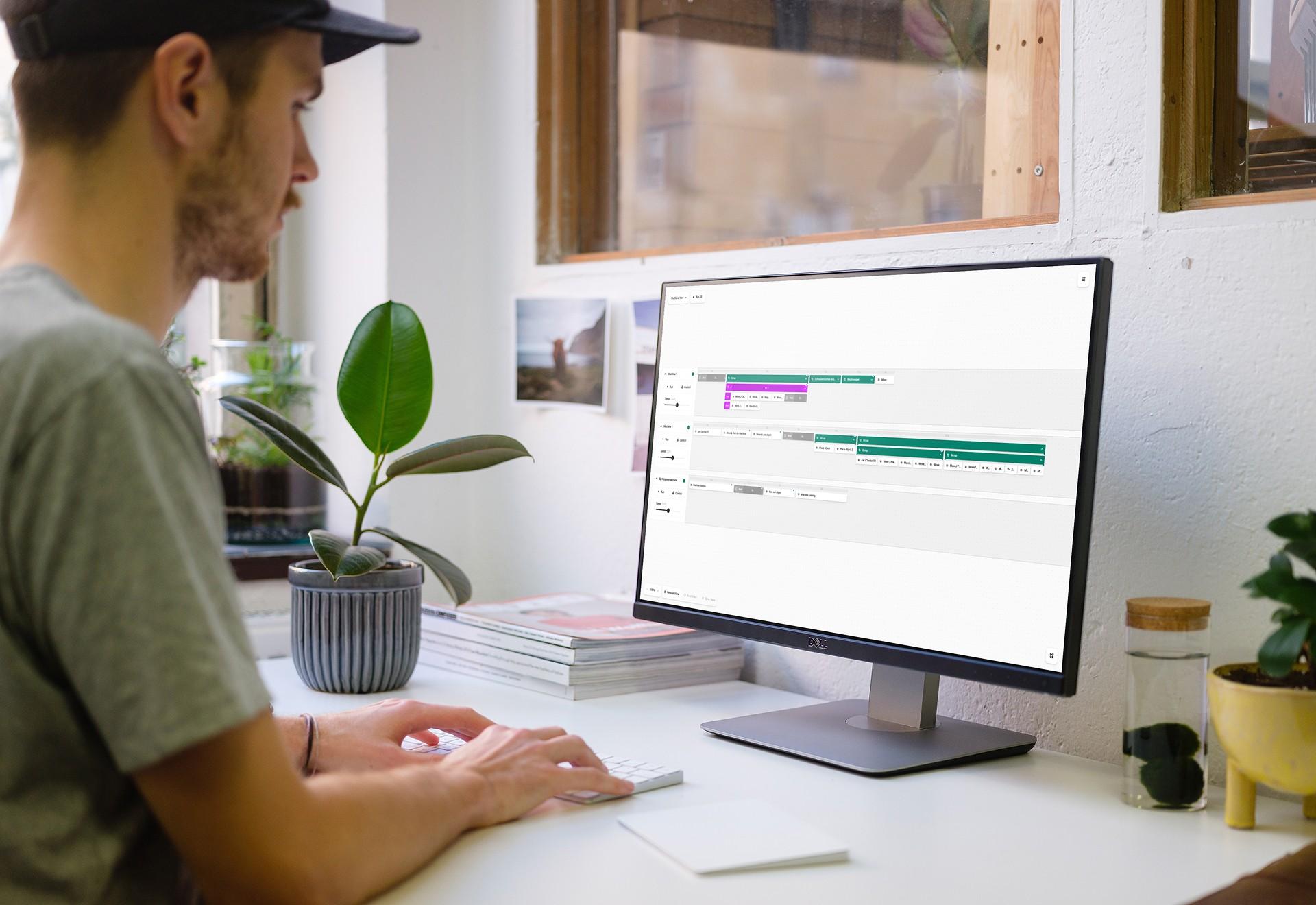
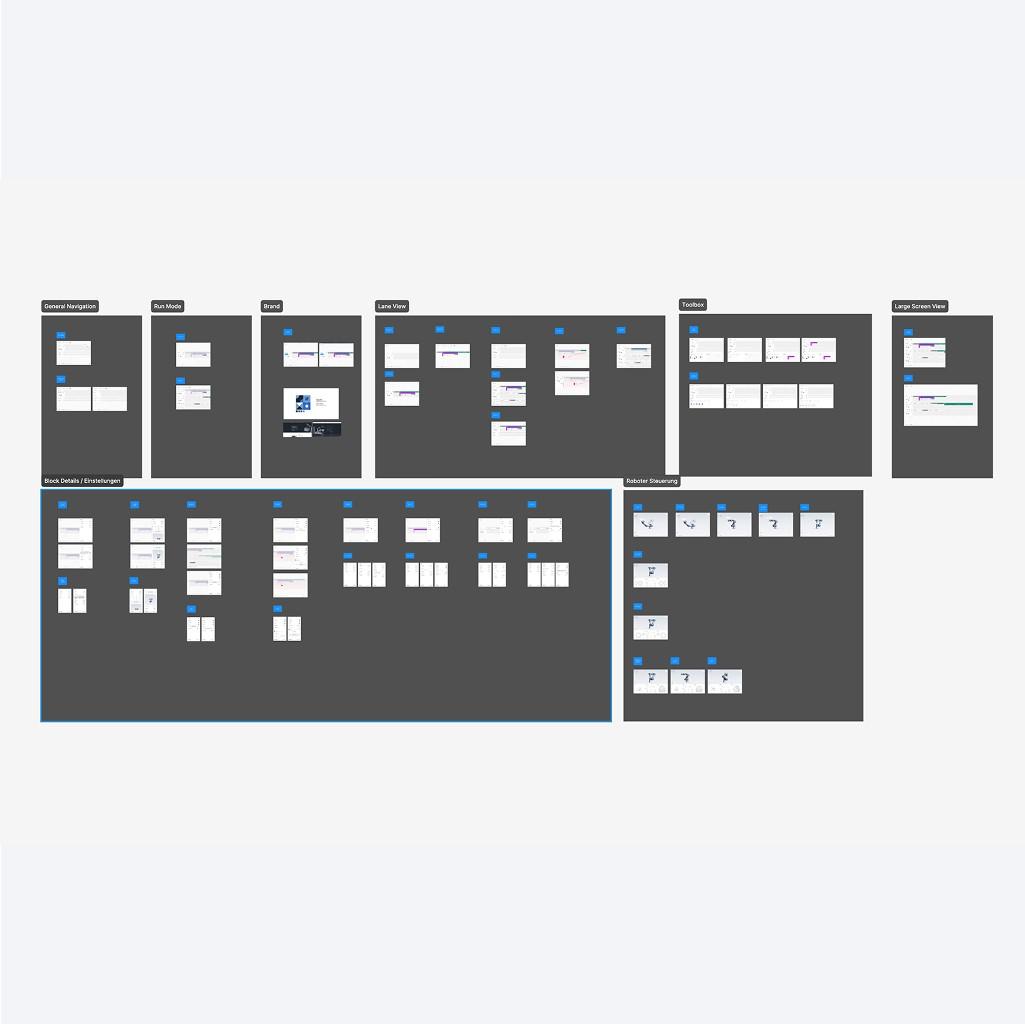
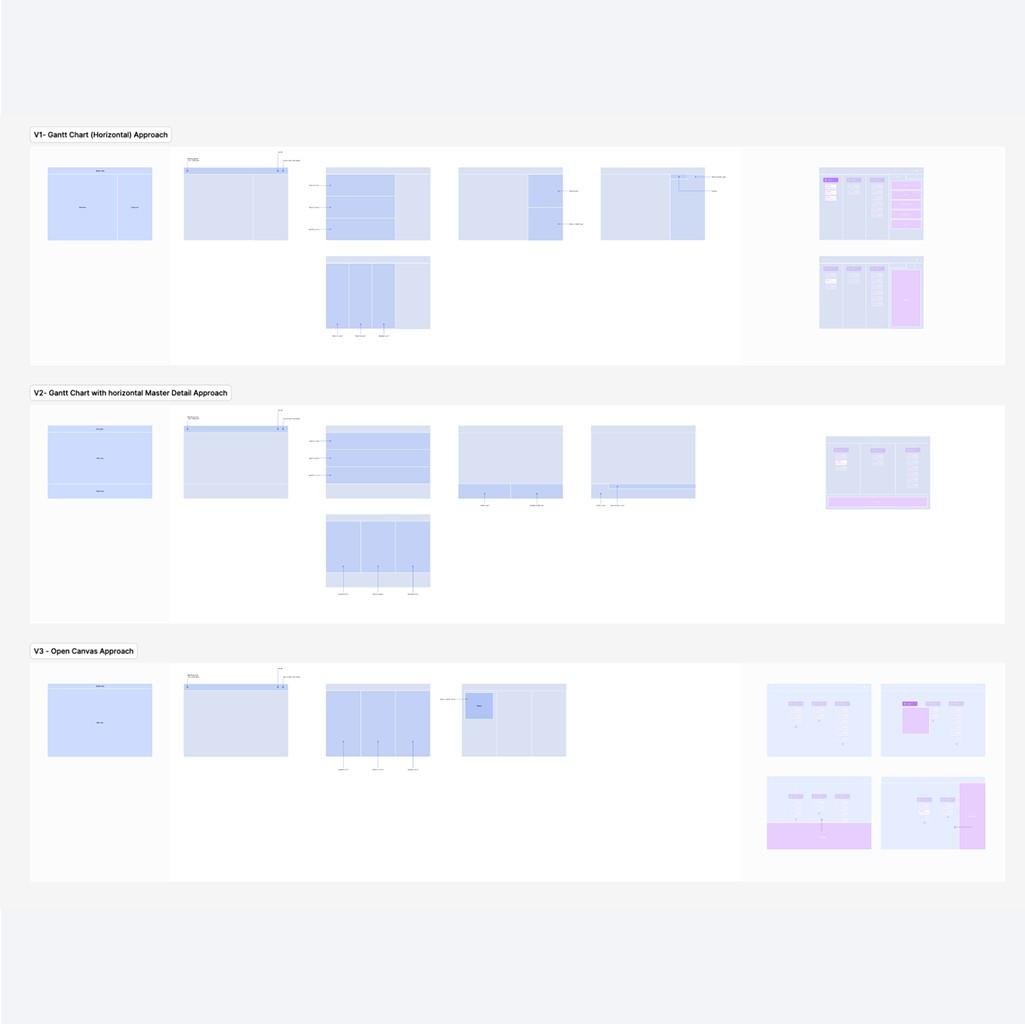
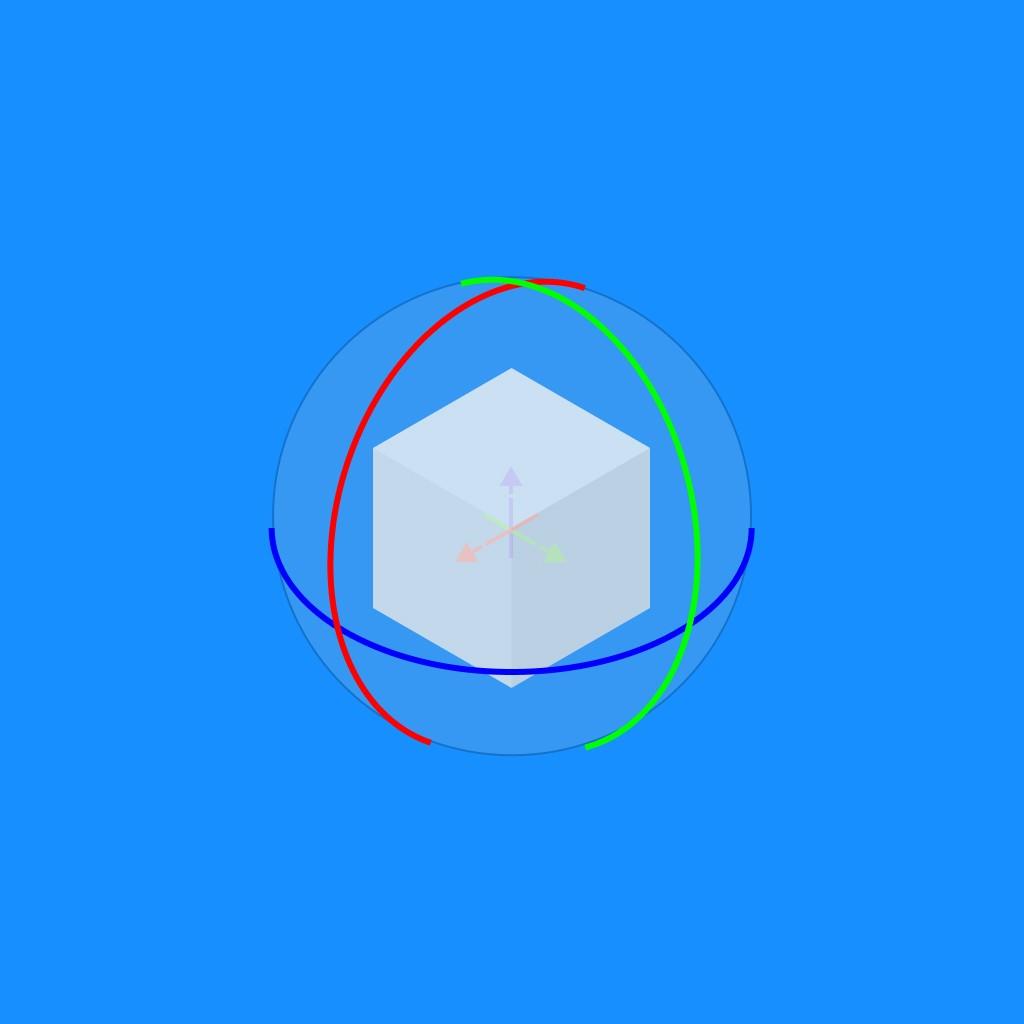
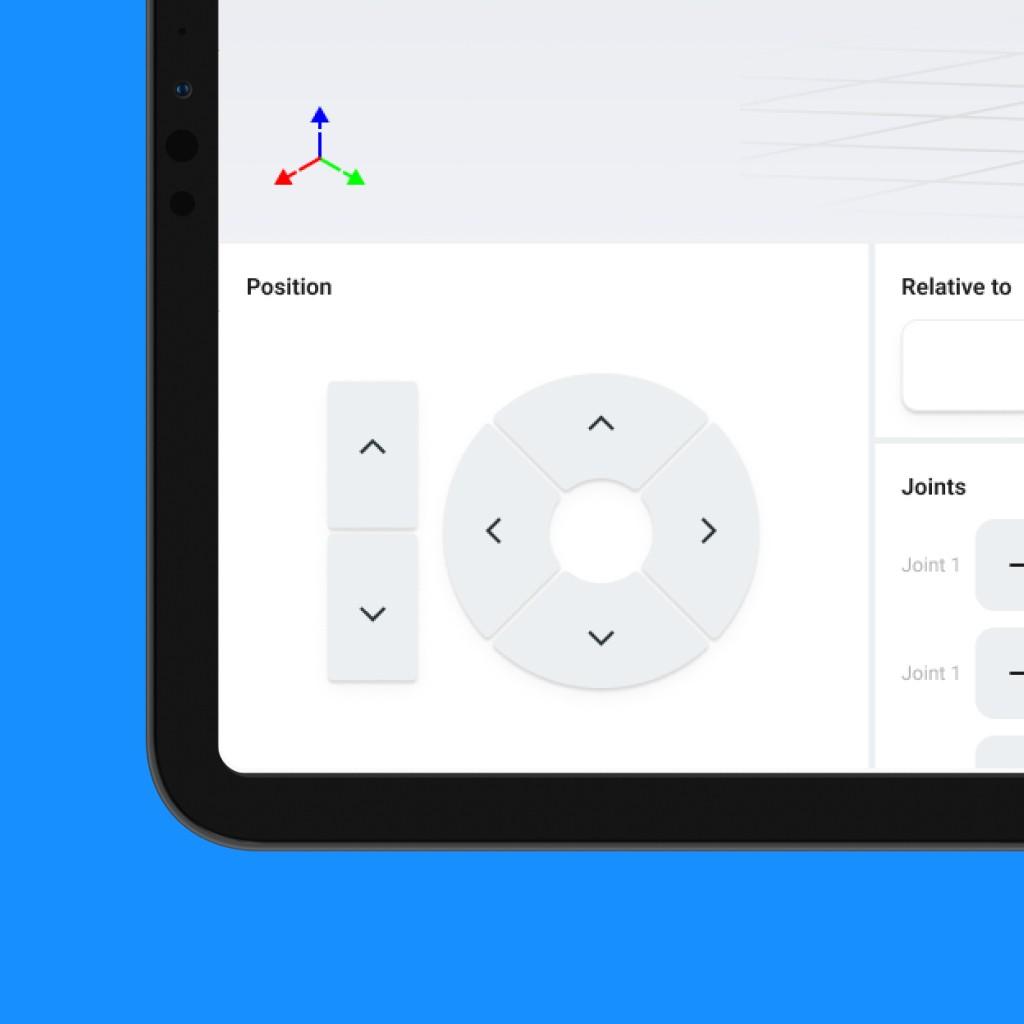
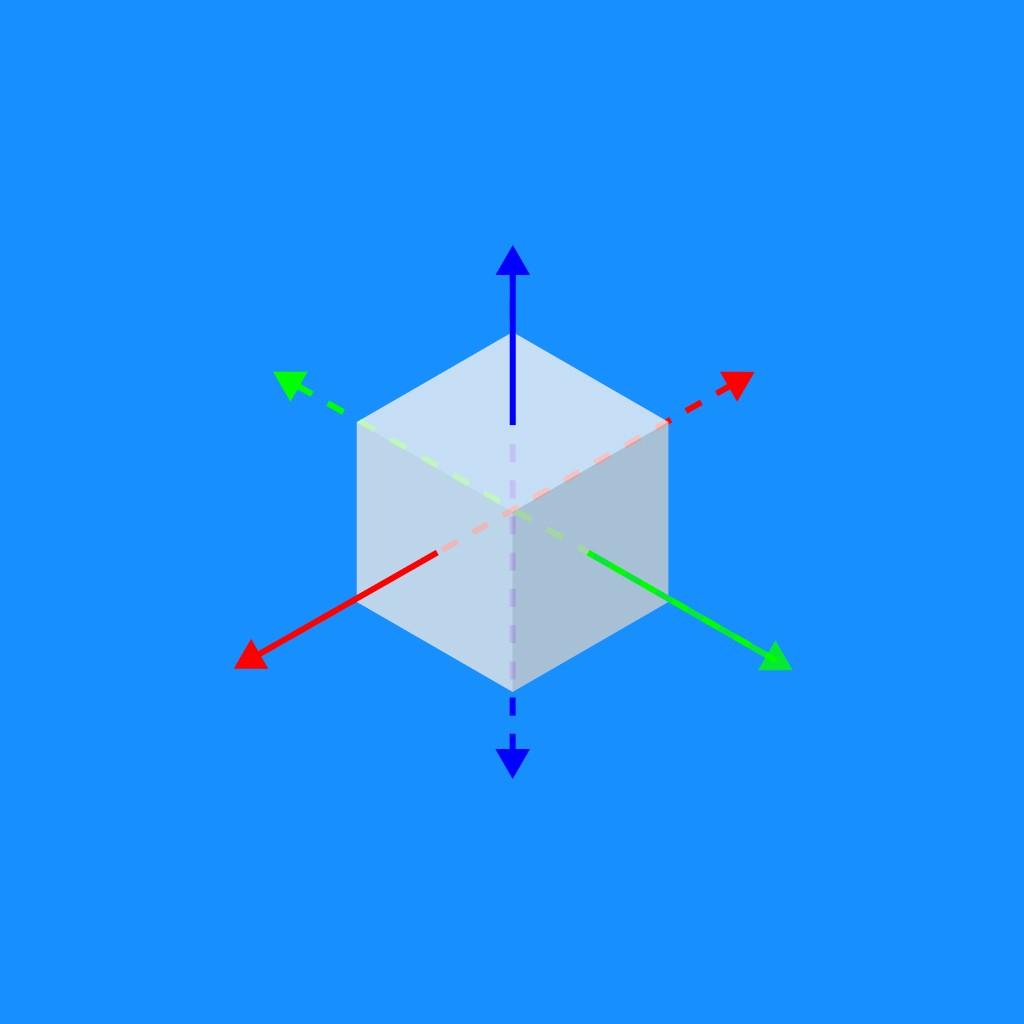
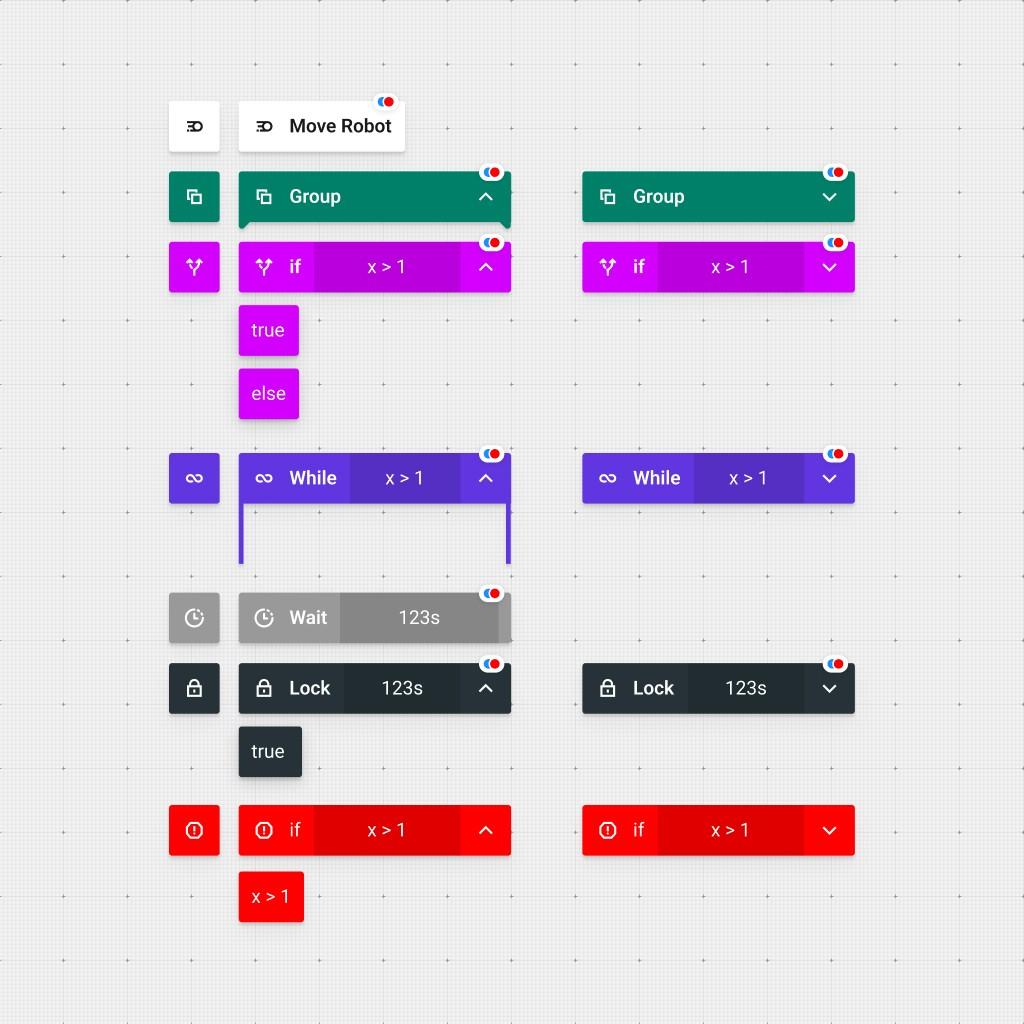
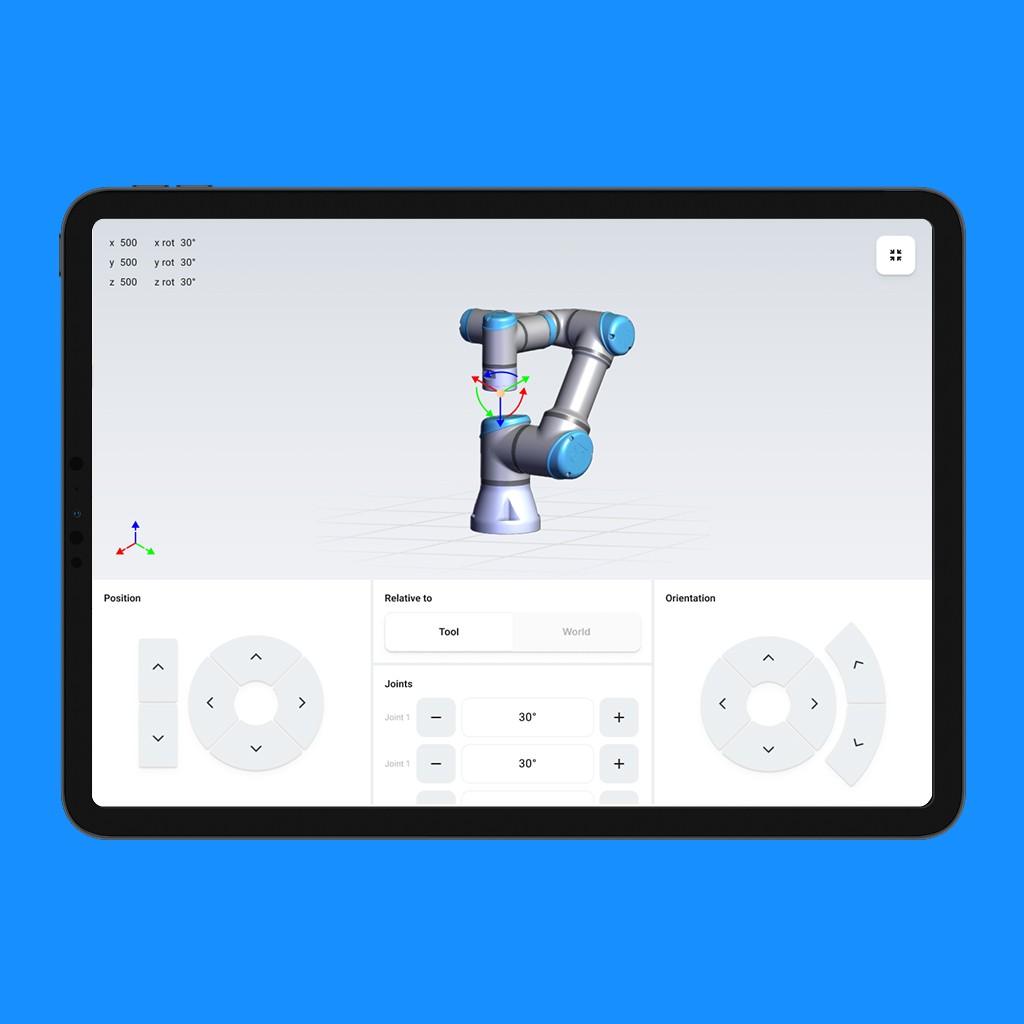
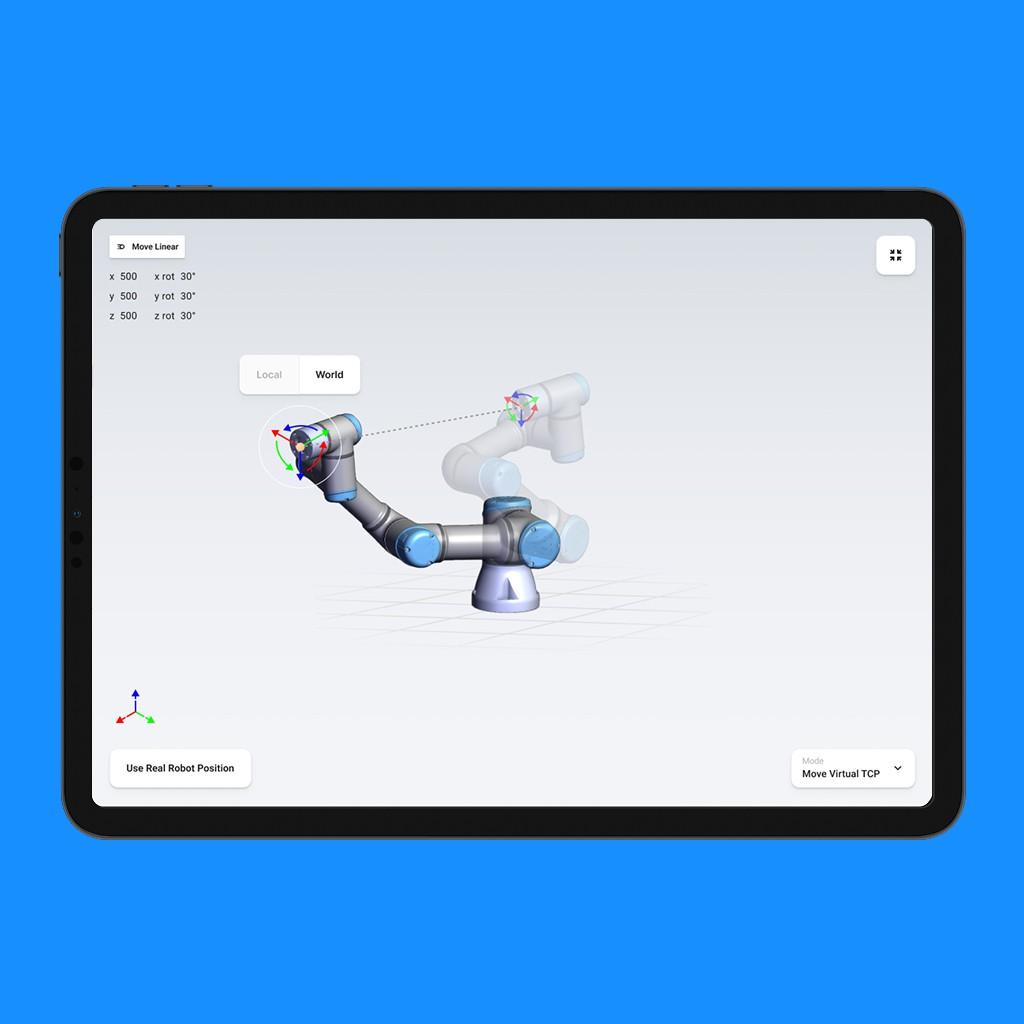
We replaced traditional coding views with a timeline-based system that uses visual blocks—allowing users to build and edit workflows like in a video editor. I introduced multi-lane structures for managing parallel processes, a dedicated manipulation view for different robot modes, and an embedded fallback layer for quick error-handling—all within the same visual flow.
Design System & Development Handoff
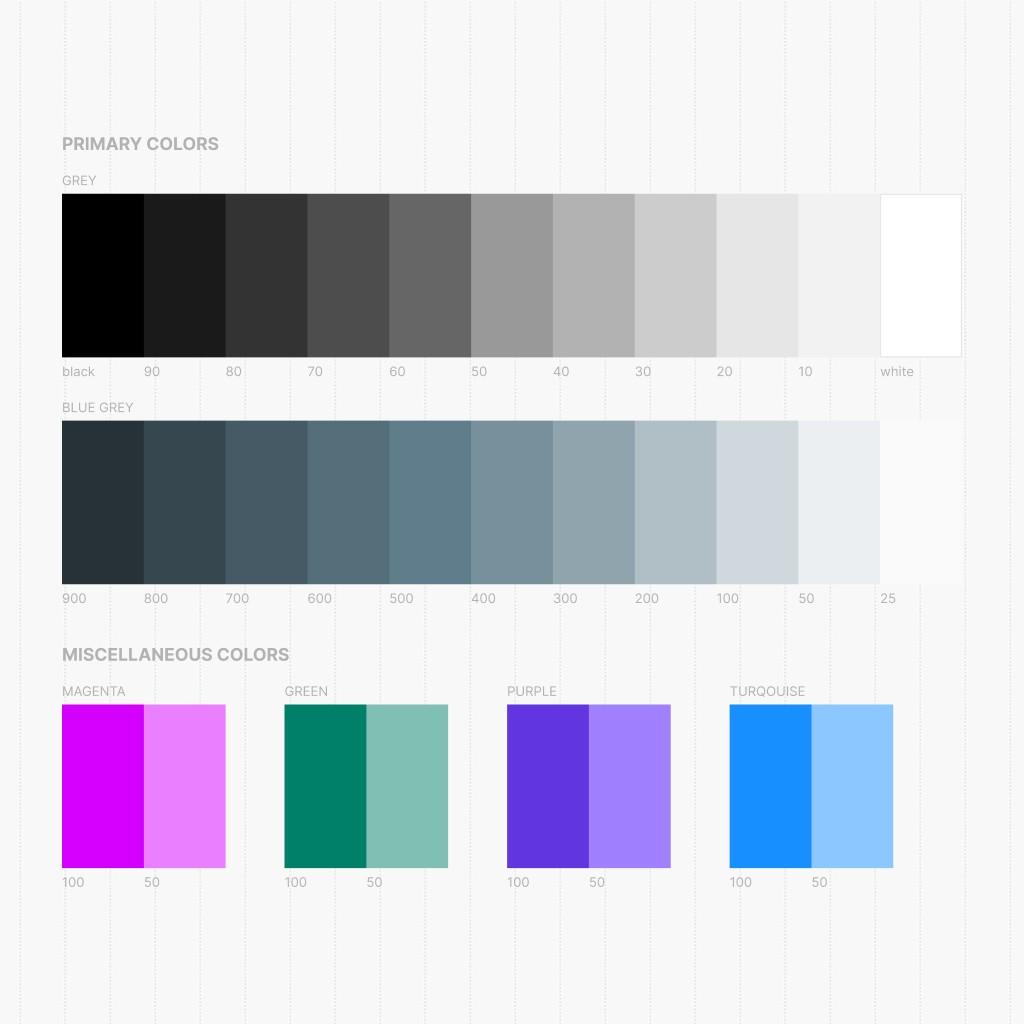
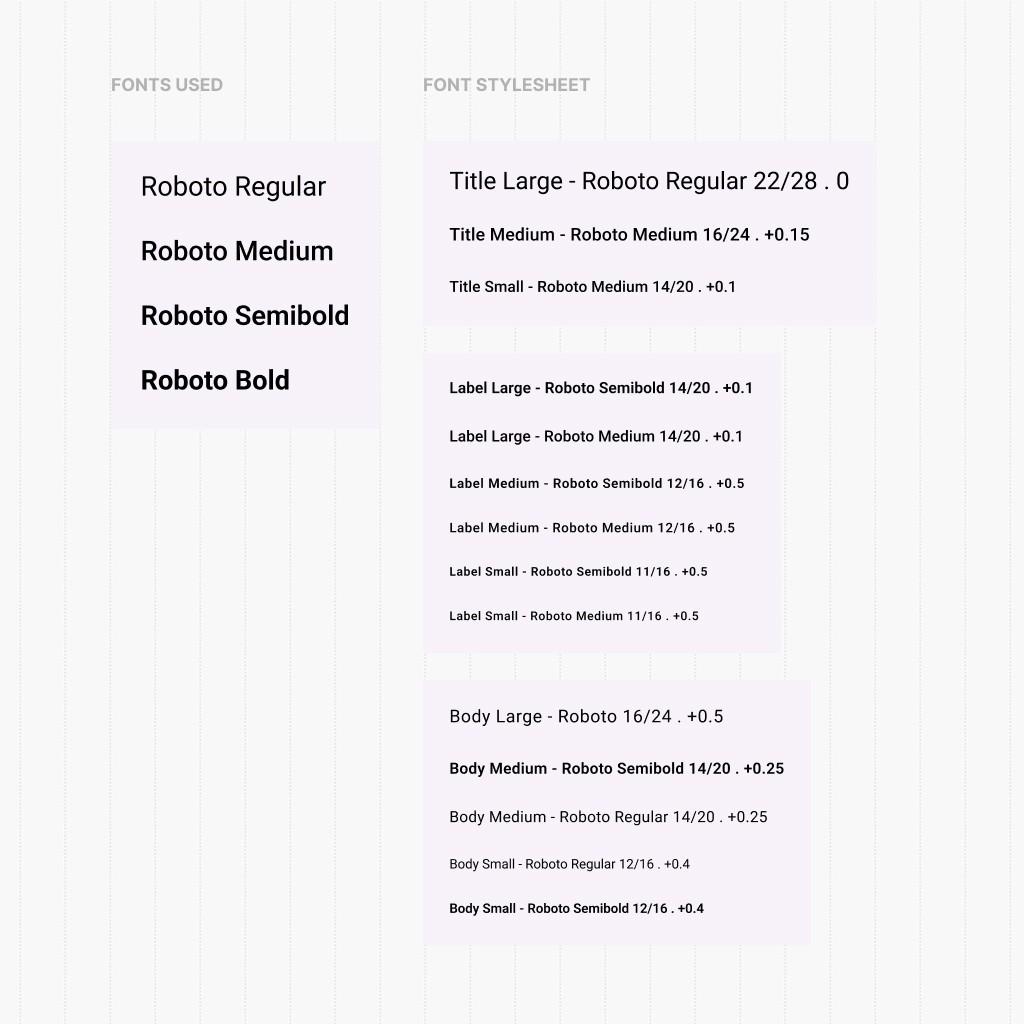
To ensure smooth implementation, I developed a modular design system with reusable UI components, interaction patterns, and documentation. This gave Leverage Robotics a solid foundation for scaling the interface and aligned closely with their frontend dev team for handoff and implementation.
From Idea to Deployment
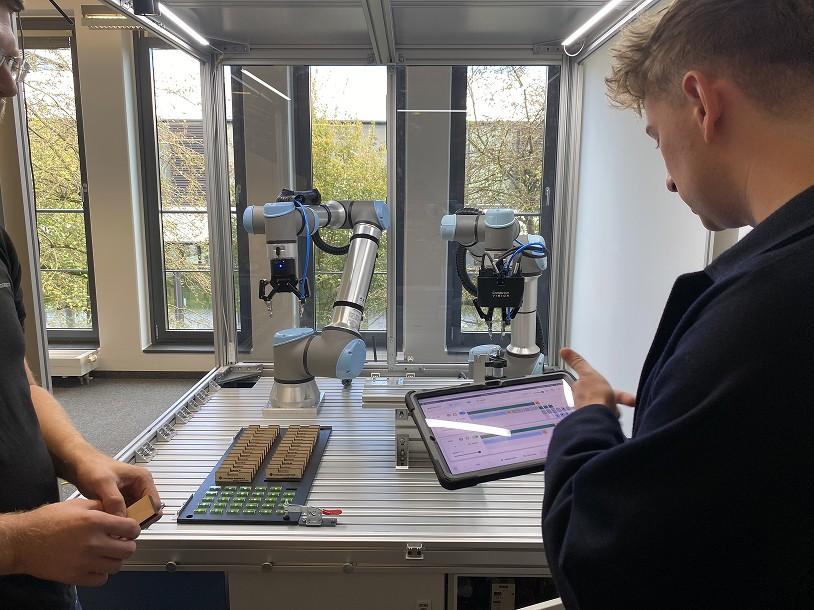
Through iterative prototyping and continuous feedback loops, we moved from concept to production in under seven months. RoboHive UI is now live—offering a clean, scalable, and future-ready interface that redefines how industrial workflows are built and managed.
Successful Implementation & Deployment
Following the design and development phase, RoboHive UI was successfully deployed. The result: an intuitive and scalable system that makes robotic workflow programming more accessible, structured, and visually clear.